Bulletproof Measurement
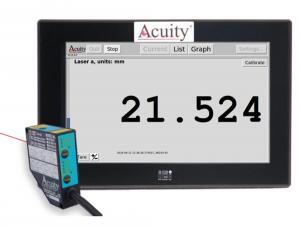
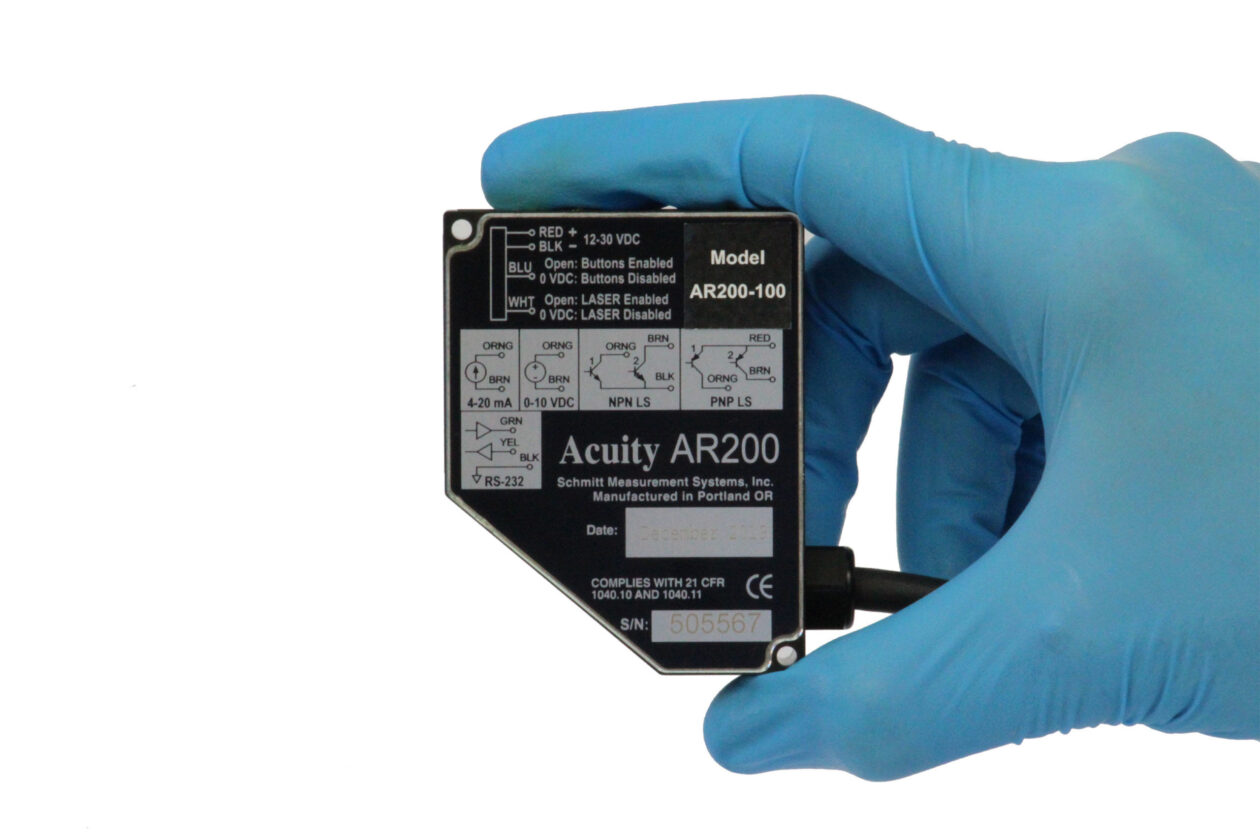
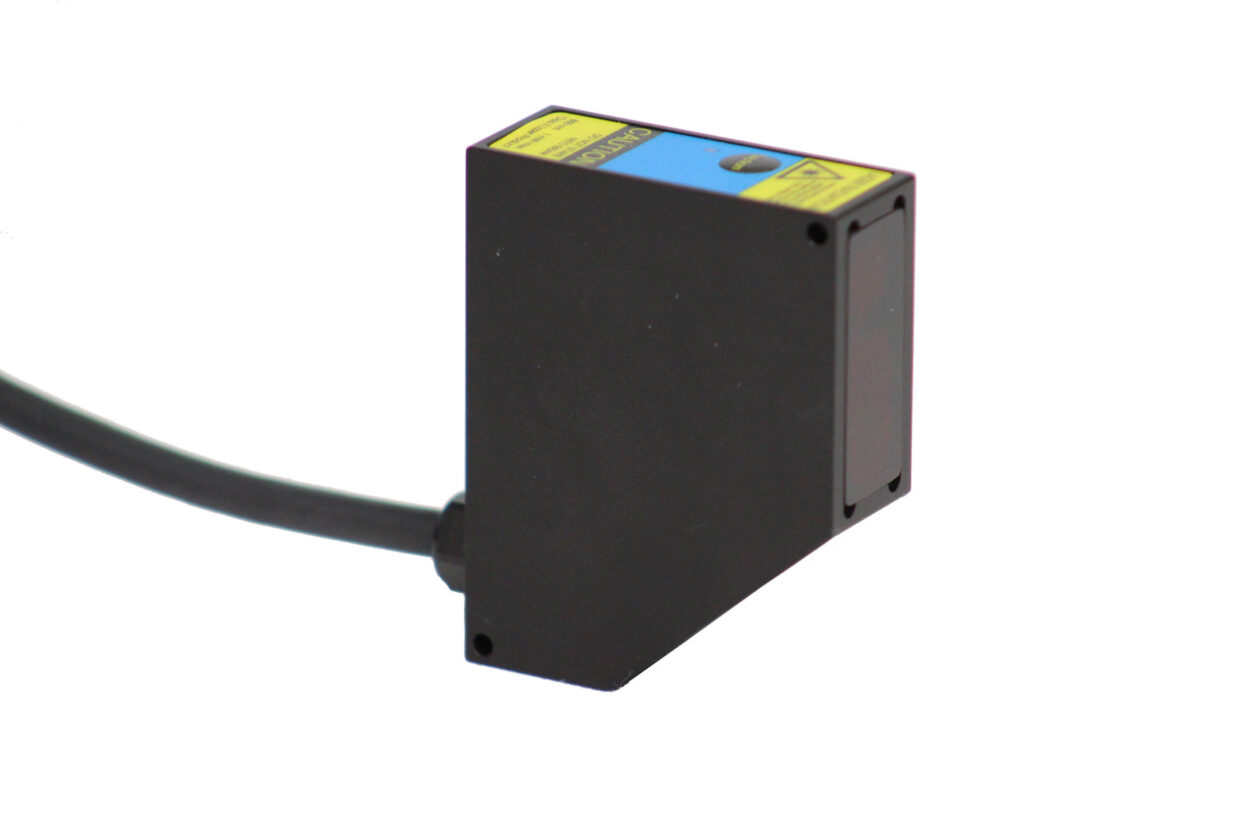
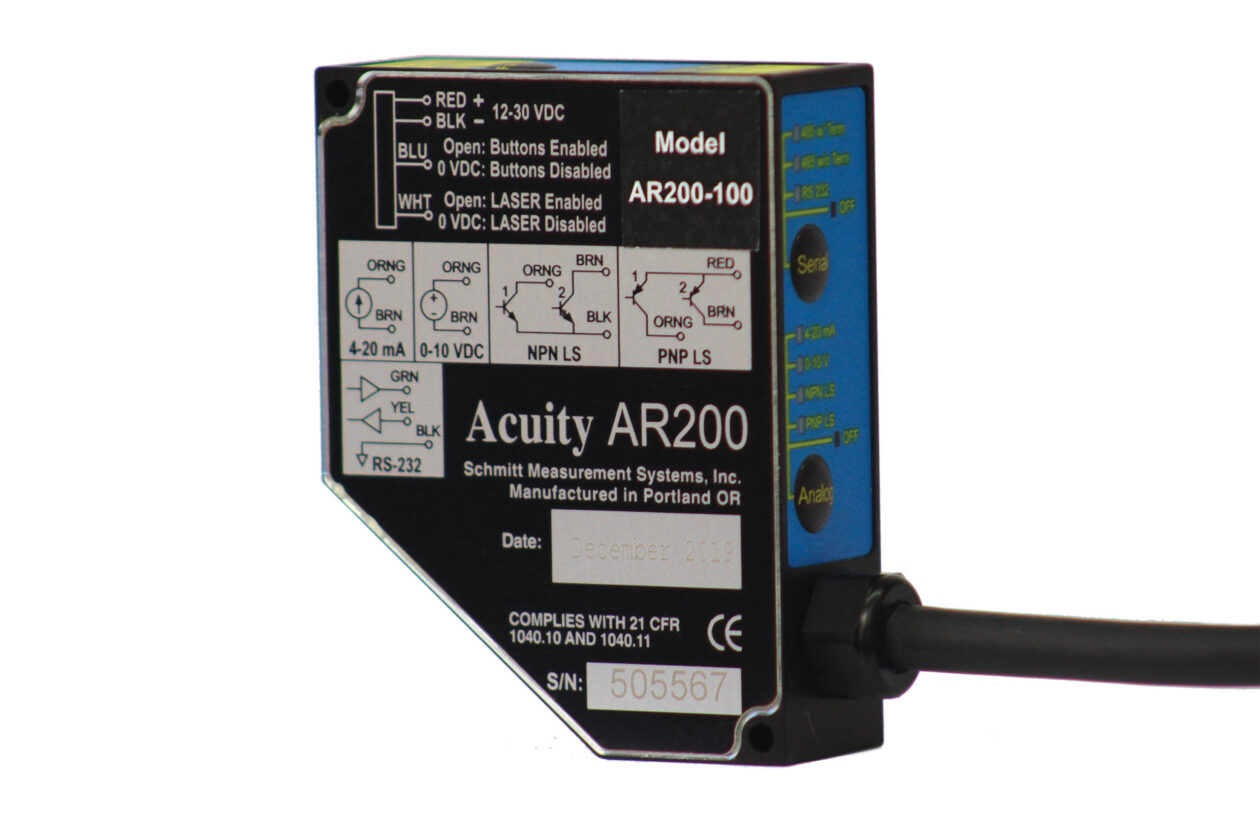
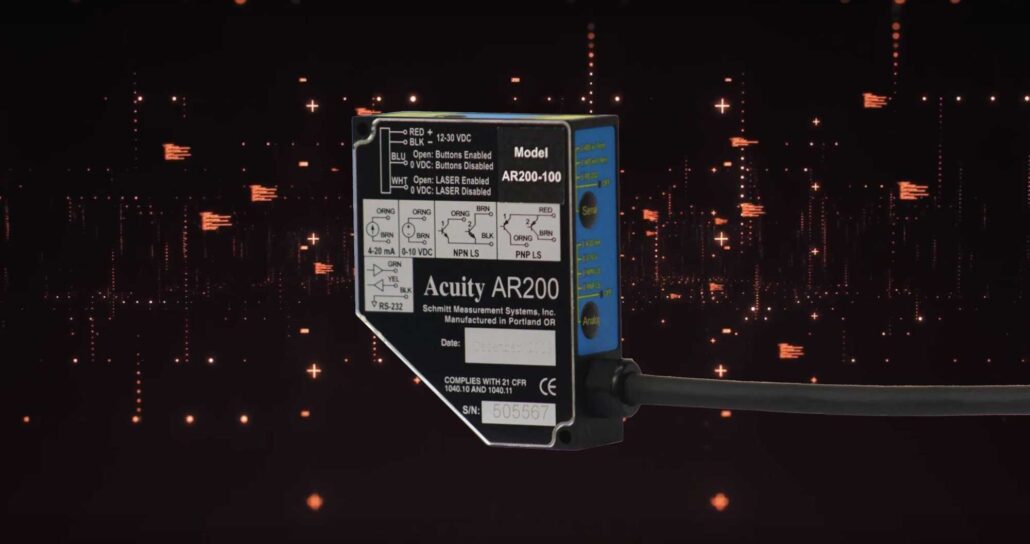
Acuity’s AR200 compact measurement sensor uses laser triangulation principles for precise displacement, distance and position measurements. The AR200 series contains five models with ranges from 6 mm (0.25 in) to 100 mm (4 in) with linearity to within 0.1% of the measurement range. All AR200 sensors employ a CMOS detector to achieve measurement frequencies up to 1250 Hz and resolutions to within 0.03% of the entire measurement range.
The AR200 emits a Class 2, red, visible laser diode and has a spot size as small as 35 microns in the middle of the measurement range.
Easy Integration
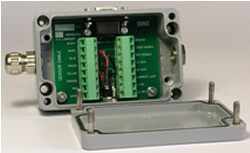
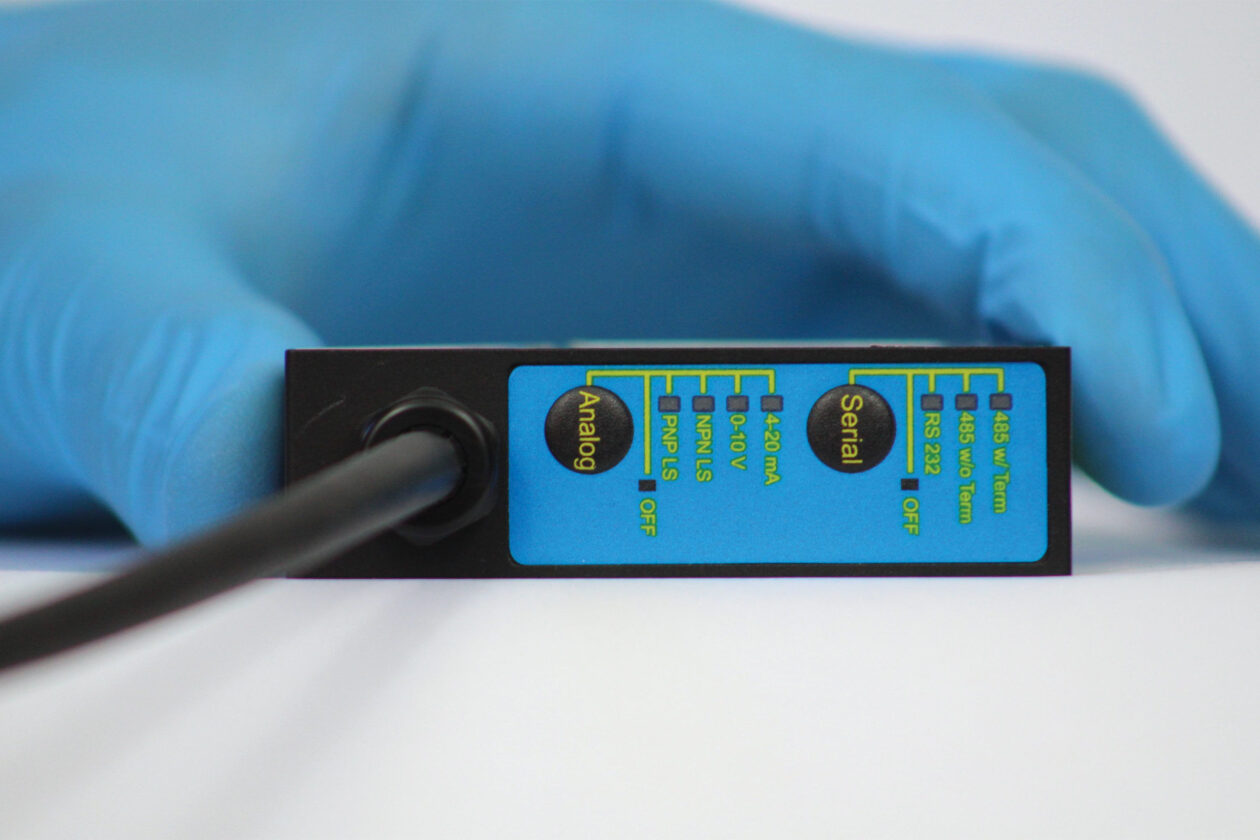
All AR200 models are standard with analog (4-20mA, 0-10V), serial (RS232), and limit switch outputs. The AR200 has two limit switches that will output a current of 100 mA if the measurement exceeds the programmable limit. The AR200 limit switches are used to trigger external PLC features such as secondary processes, audible and visible alarms or other PLC operations. All parameters and settings are selectable either from push-buttons on the sensor’s interface panel or through PC serial commands for ease of use. Acuity has worked with small and large volume customers to provide customized laser sensors with easy integrations into your existing workspace.
Durability in a Wide Range of Applications
Designed to withstand difficult industrial environments, the AR200 laser measurement sensor is commonly used in lumber, medical and high tech industries. The sensor can measure a wide range of materials from drywall to steel, and under some application circumstances, can be used to measure distances to glass. All AR200 models have a built-in automatic gain control feature to ensure quality measurement despite variations in target colors. Typical applications include steel strip thickness, flux height measurement, engine displacement & vibration measurement, amongst others. The AR200 laser measurement sensor comes at an attractive price point, and is used as replacement for LVDT sensors for a contract-free displacement measurement.
AR200 Case Studies
3D LASER TEXTURE SCANNER
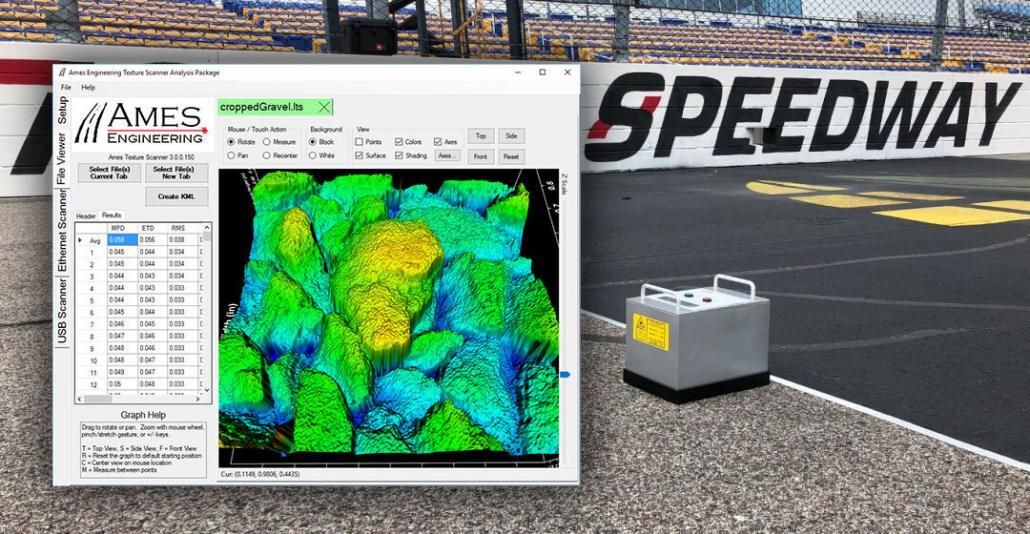
One of Acuity’s customers, Ames Engineering has developed a 2D and 3D laser texture scanner using the Acuity AR200 laser measurement sensor inside their portable and GPS-enabled Texture Scanner.
Acuity AR200 Dimensioning Solution
It is a complicated process to create vision-guided robotics, imaging systems, and dimensioning systems. For their systems Artemis Vision chose AR200 lasers from Acuity.
AR200 Now Nearly Twice as Accurate
Last Updated: March 16, 2023 Acuity Laser is pleased to announce that the linearity for our AR200 Laser Measurement Sensor has been improved for 2023 for all available unit types. Previously the linearity was +/- 0.2% of range, and for 2023, has been improved to ± 0.1% of range. We’re proud of the AR200 and the accuracy we’ve seen from the device over time. With this linearity improvement, the AR200 becomes a strong option for…
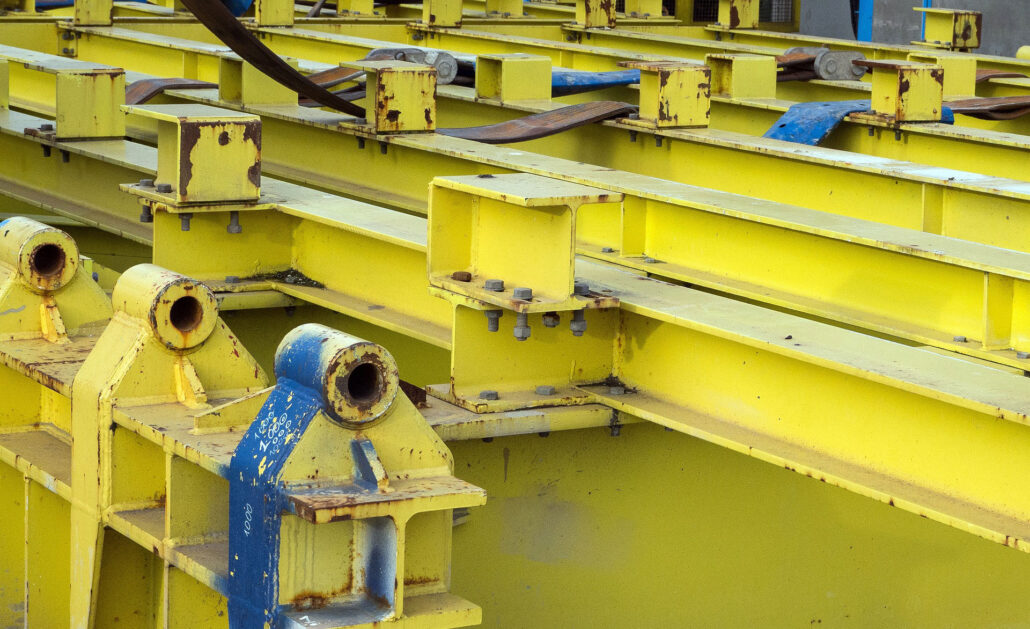
Crane Rail Thickness Custom Application
Crane rail thickness solution uses both short range and long range laser sensors, and reduces measurement of wear-and-tear on rail flanges from 3 months to 1 night.
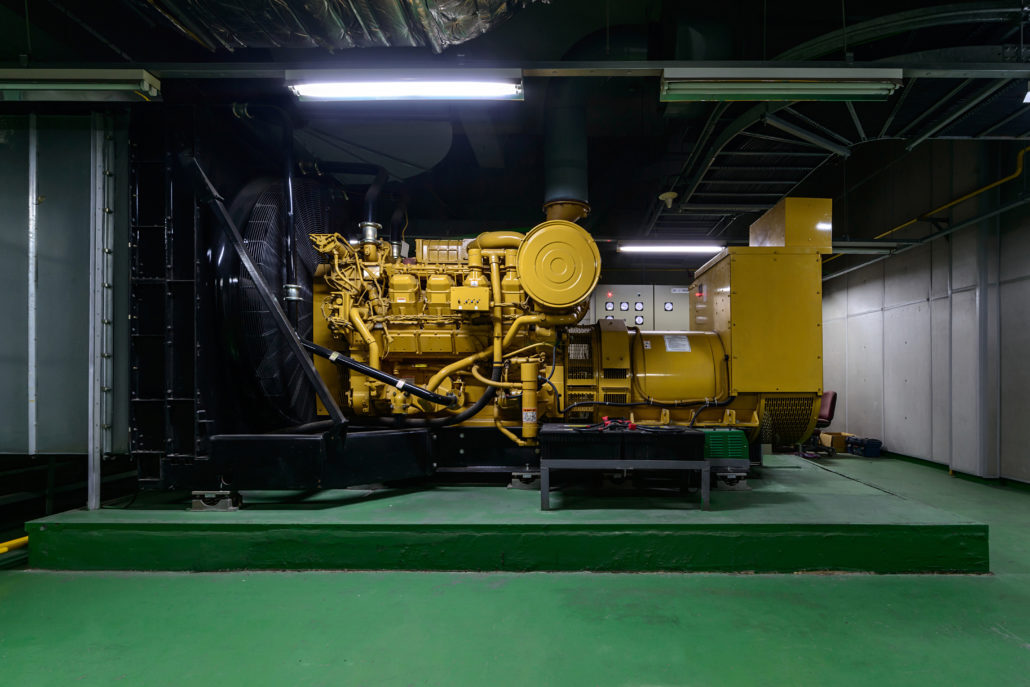
Displacement Diesel Engine
The leading electric motor and generator servicing company in the US uses four laser measurement sensors to measure the amplitude of vibration of large diesel generators. Their test setup has the sensors measuring the displacement of the diesel engine (generator) support rails while the system is idling and during heavy loading.
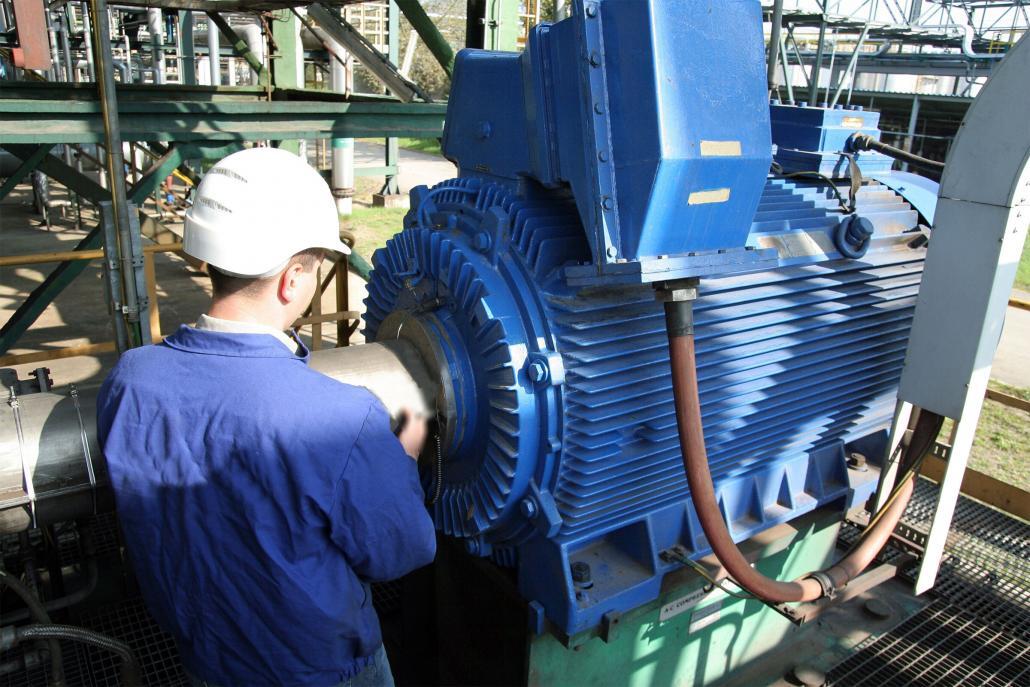
Engine Vibration Measurement
Our cost effective sensors are placed at various sections of the engine to measure the vibration displacement in multiple engine locations.

Measuring Speaker Cone Deflection Using Triangulation Sensors
A major audio speaker manufacturer contacted Acuity to help solve a challenging applied measurement problem. In this sound vibrations scenario, a sensor with fast frequency response was needed to profile the entire amplitude of cone movement.