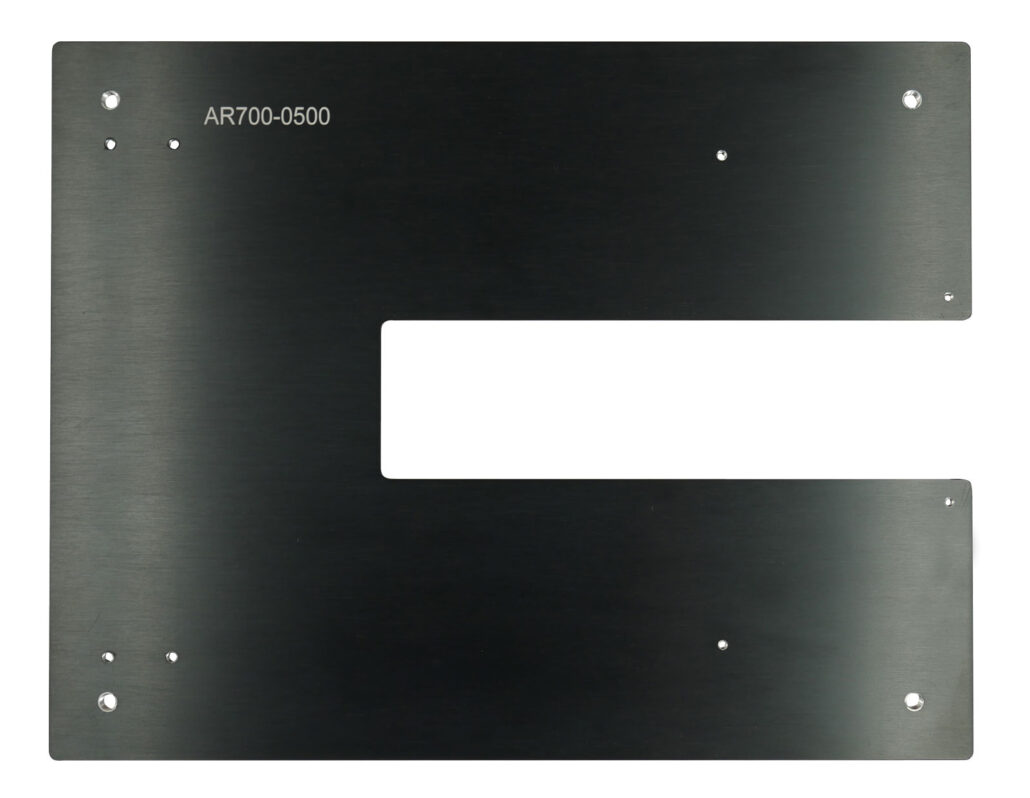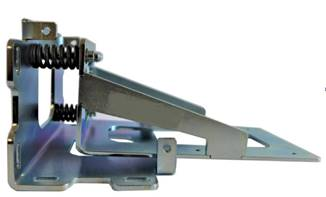


Laser Sensor Accessories
Accessories for Accurate, Non-Contact Laser Measurement
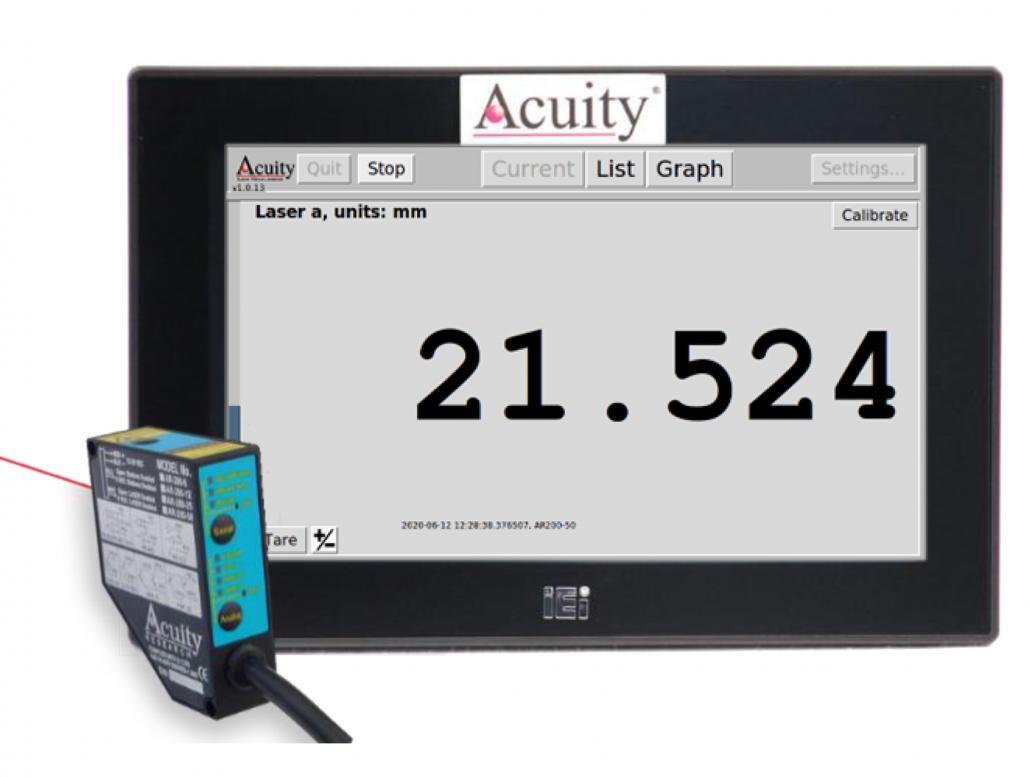
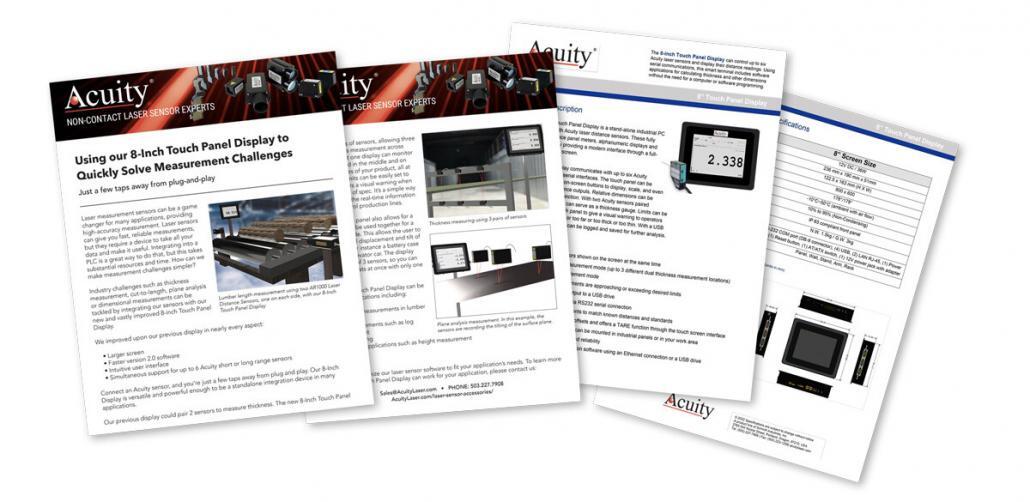
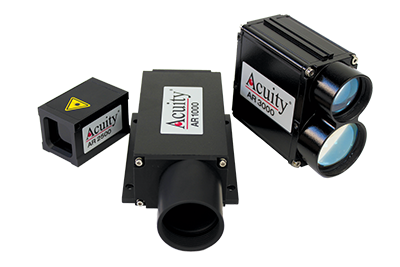
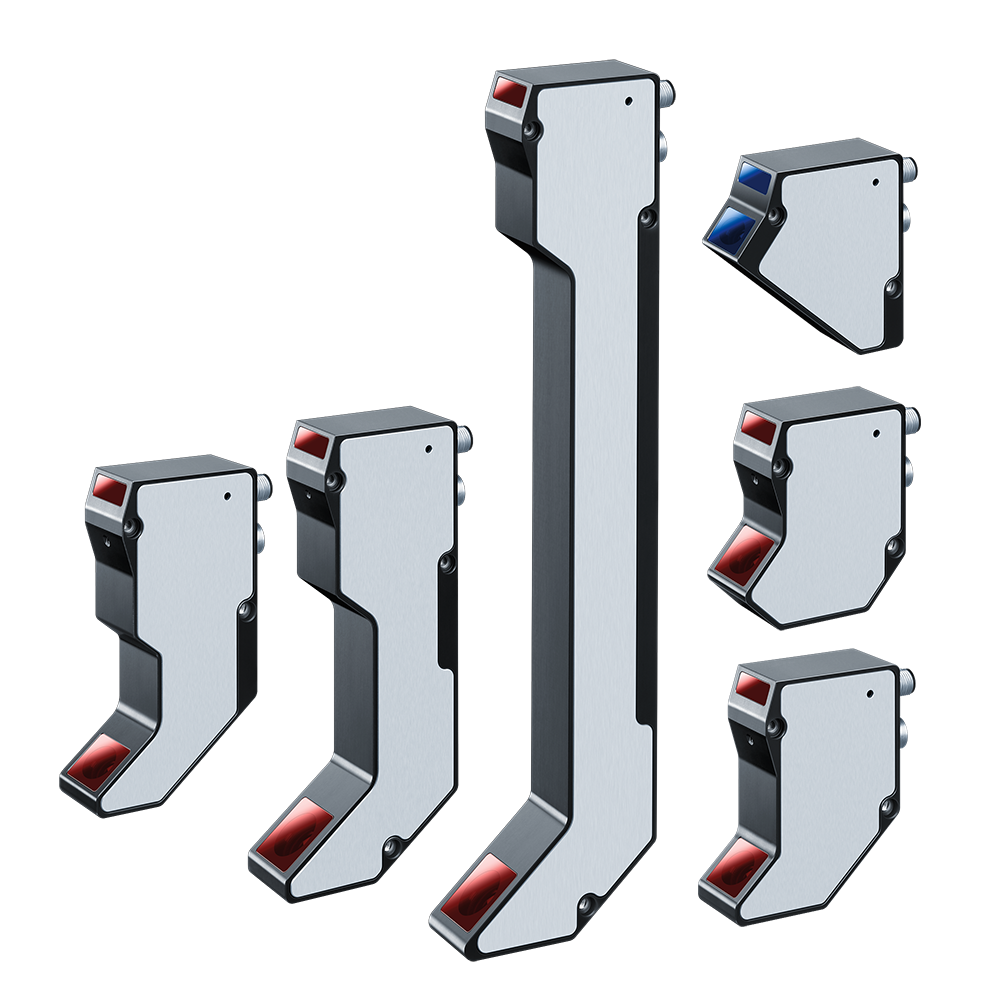
Acuity’s laser measurement sensors and laser scanners are precision devices with US-based support. Our lasers and sensors all operate based off non-contact measurement, and satisfy diverse dimensional measuring applications for industrial automation and advanced research. Acuity has worked with small and large volume customers to provide customized sensors and small solutions. Reach out to us today to begin solving your measurement challenges.