
Last Updated: April 22, 2026

Laser distance sensors are ideal for non-contact measurement tasks that demand high speeds, high accuracy, and long standoff ranges. These compact short range distance measurement sensors are ideal for common tasks for short range sensors include contactless dimensions, surface profile, deformation, vibration measurement, sorting, sensing presence or absence, positional checking, bulk materials and liquids level measurement.
Acuity’s lineup of laser distance sensors includes compact laser triangulation sensors.
Our device offerings include features to satisfy your most challenging machine integration, factory automation, and component inspection applications. Various features include:
Send download link to:
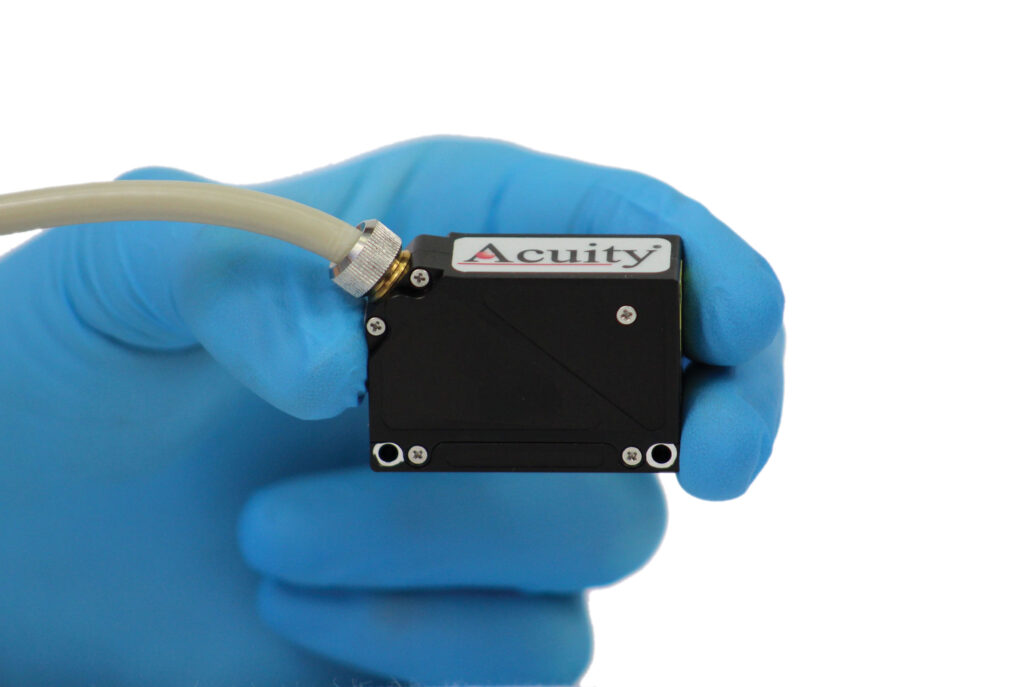
The AR100 is one of the smallest laser measurement sensors in the world. The ultra-compact AR100 comes with ranges from 10mm (0.4 in.) to 500mm (19.7 in.) with a single case size. It can take 9,400 measurements per second and has a linearity of ± 0.05% of the full measurement range for most models. In short, the AR100 is perfect for applications with tight size and mass budgets that can’t sacrifice performance.
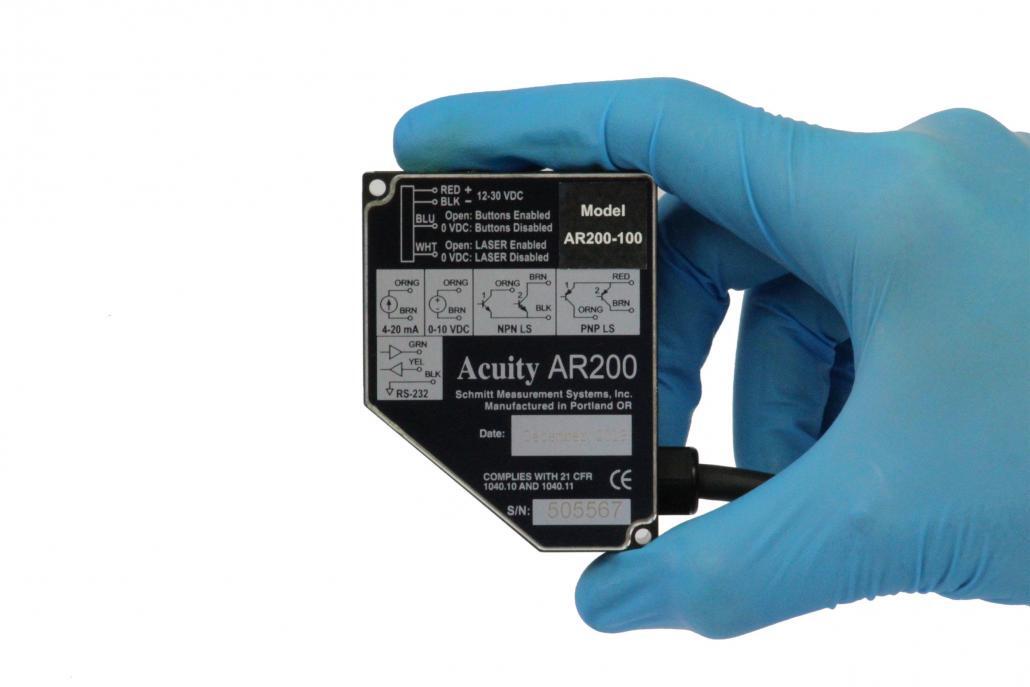
The AR200 laser measurement sensor is a compact, durable, and reliable sensor built for many industries including the lumber, medical and high-tech industries. The AR200 sensor consists of five different models with ranges up to 100 mm (4 in) and accuracies down to 6-microns to satisfy precise measuring requirements.
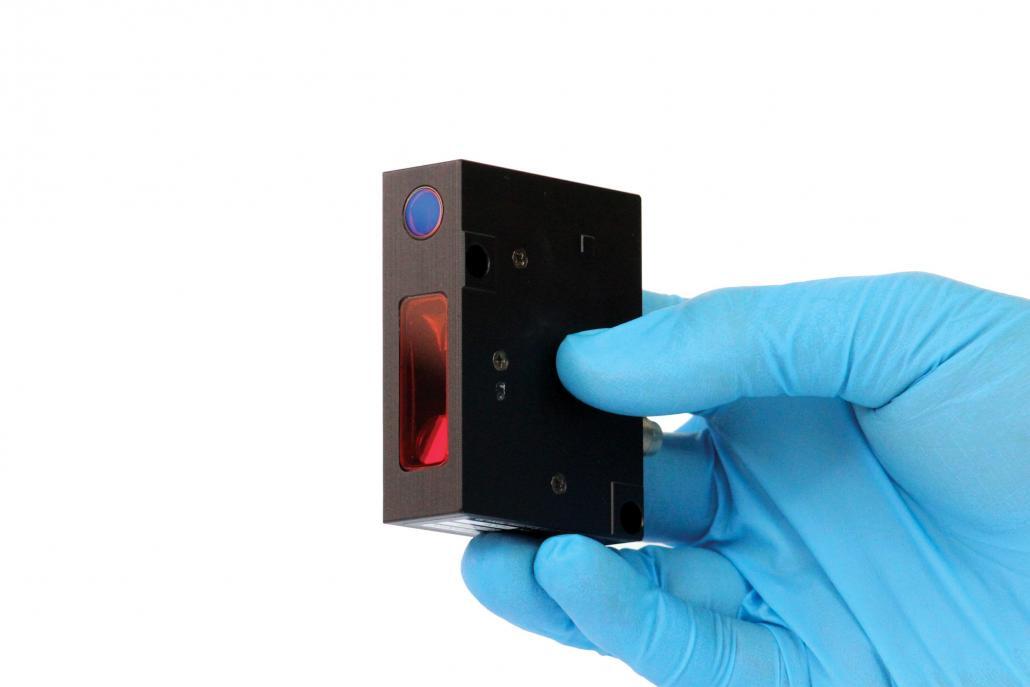
The AR500 is a compact triangulation laser sensor that excels in its versatility. The AR500 is available with measurement ranges from 5mm (0.2 in.) to 1000mm (39.4 in). The red or blue laser is available with an assortment of power options (from Class 2 to 3B) for applications that require a brighter laser. A factory installed internal heater, air jacket, or splash guard is available for challenging environments.
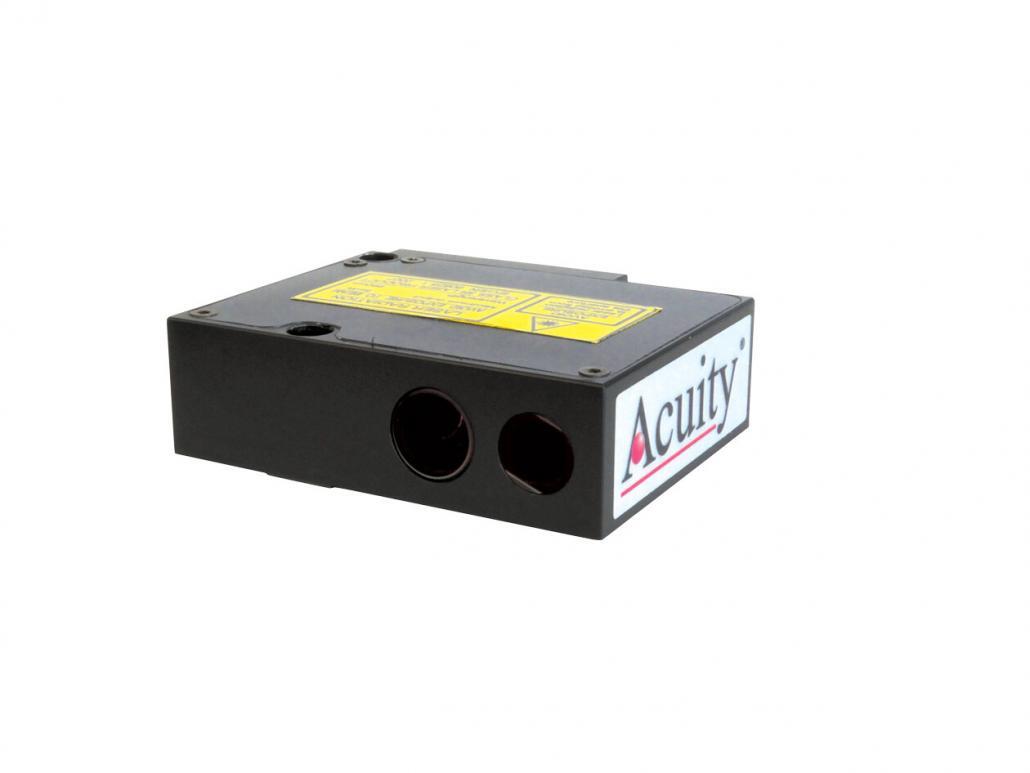
The AR550 high speed laser sensor is Acuity’s fastest triangulation device for dimensional and distance measurement. At sampling rates up to 70kHz, these sensors are typically used for applications that demand high speed such as vibration measurements, scanning of roads, vehicle crash test, and ballistic measurements.
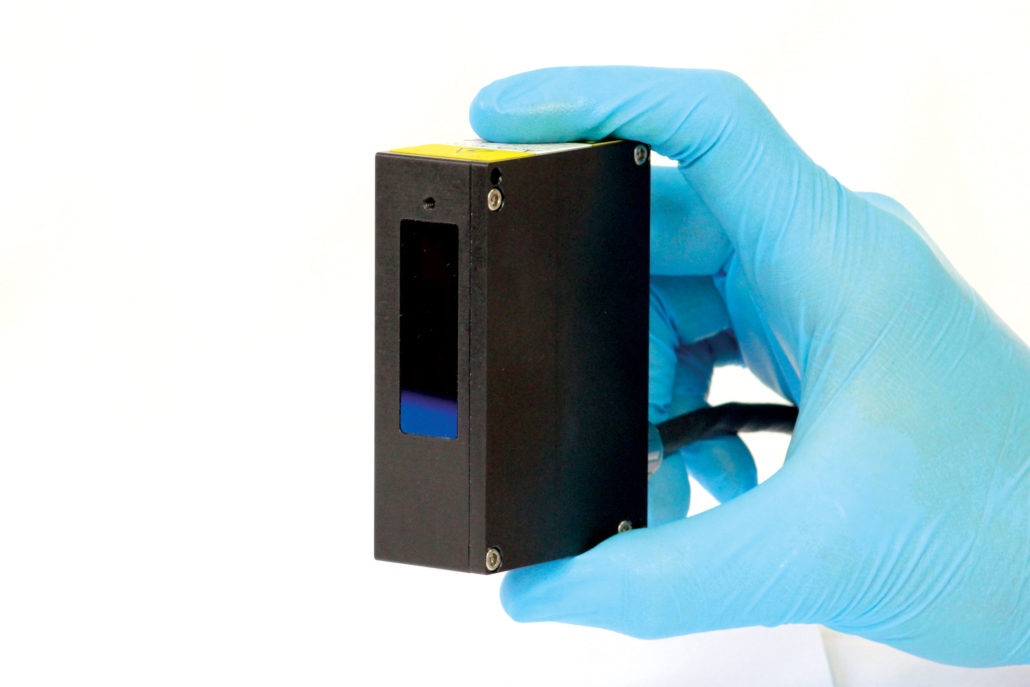
The AR700 laser displacement sensor is Acuity’s top of the line, most precise, laser triangulation sensor. The AR700 series contains models with measurement ranges from 0.125 inches up to 50 inches and resolutions as low as one-sixth of a micron. With sampling speeds up to 9.4kHz and linearity to within 0.03% of the measurement range, the AR700 is a versatile sensor for many challenging applications.